Veo 3.1 Fast Premium quality for ads

Google's premium AI video model delivering the highest photorealism and scene consistency. Veo-3.1-Fast produces studio-grade video from text prompts or static images, built for hero creatives and brand campaigns.

Avg quality

7.9/10

Gen speed

7.0/10

Cost efficiency

6.0/10

Try Now

See Examples By Niche

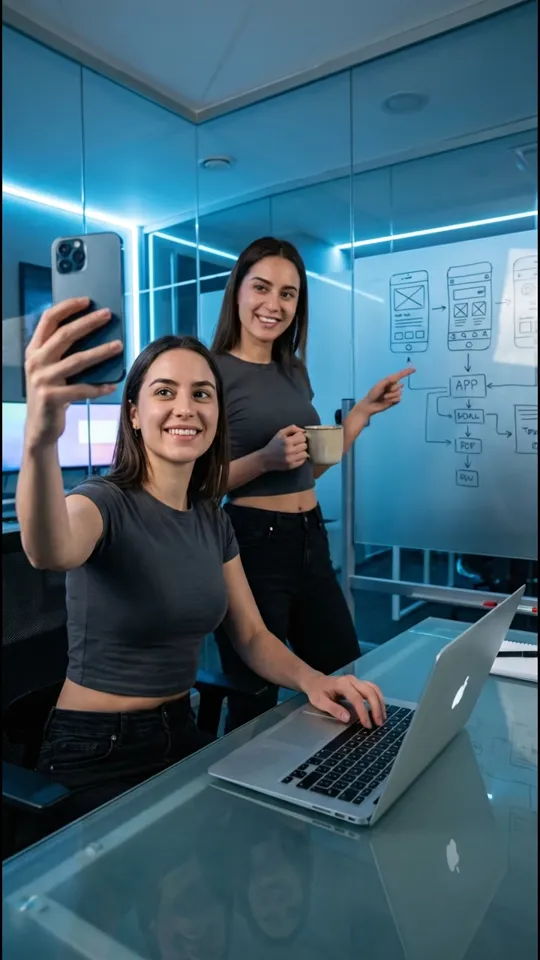
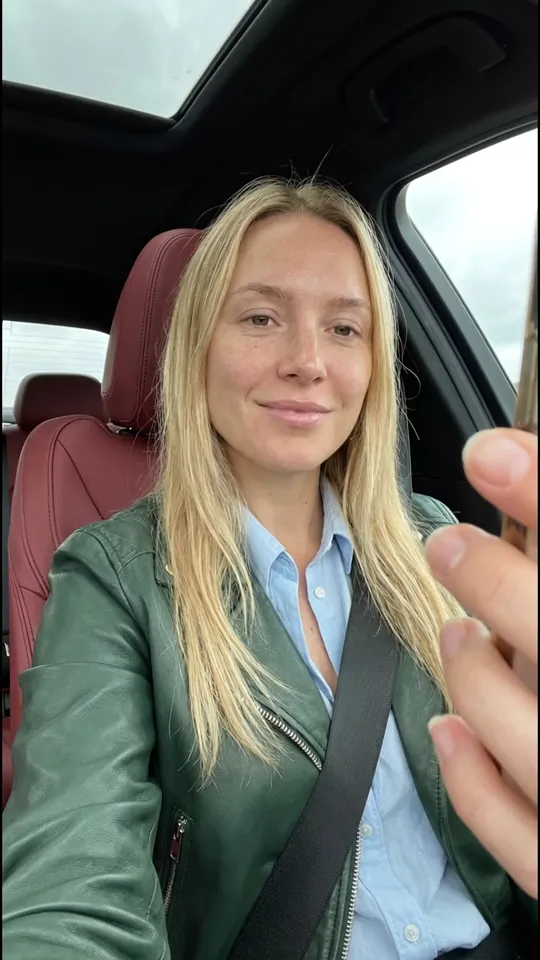
All videos generated with start frames at 720p, 6s, 9:16 — raw AI output across 10 niches, same prompts used across models, no post-processing. Just compressed for web optimization.

AI-generated AI Influencers video example

Why Veo 3.1 Fast for your ads

When your ad creative needs to look premium, Veo 3.1 Fast delivers. Here is where it outperforms based on real benchmark scores.

  • Others
    Veo Fast

    Best-in-Class Visual Quality

    Scored 8.5/10 on visual quality — the highest among Google's video models. Every frame delivers near-photorealistic detail with rich color accuracy, sharp textures, and cinematic depth that makes your product look premium.

  • Frame 1
    Frame 2
    Frame 3

    Superior Scene Consistency

    With an 8.0/10 scene consistency score, subjects, lighting, and environments stay coherent across the entire clip. No jarring flickering, morphing faces, or disappearing objects mid-shot.

  • 8.5/10Product Shot Score

    Premium Product Shots

    Top-rated at 8.5/10 for product shots. Surfaces, reflections, and materials render with studio-level accuracy — ideal for hero creatives where the product needs to be the undeniable star of the ad.

Veo 3.1 Fast Performance Scores

See exactly how Veo 3.1 Fast performs across the metrics that matter for real ad production — from visual quality to cost per creative.

Product ShotsHuman RealismMotion & PacingScene ConsistencyPrompt AccuracyVisual Quality
7.9avg quality

Generation Speed

7.0/10

Cost Efficiency

6.0/10

Total Ad Score

7.0/10

Conclusion

When your ad creative needs to look premium, Veo 3.1 Fast is the model to reach for. It scored 8.5 on visual quality and 8.5 on product shots — the highest in Google's lineup. Hero creatives, product demos, and brand campaigns come out polished and photorealistic. For high-volume A/B testing where you need dozens of cheap variations, switch to Veo 3.1 Lite instead.

Compare Other Models

See how Veo 3.1 Fast compares head-to-head against other AI video models.

All Model Rankings

Side-by-side specs, scores, and pricing so you can pick the model that delivers the best ROI for your ad spend.

AI video model comparison — quality, speed, cost, and total scores
#ModelProviderQuality AvgSpeedCost Eff.TotalView
1Veo 3.1 LiteGoogle6.98.59.08.1View Model
2LTX 2.3 ProLightricks6.59.08.58.0View Model
3Kling O3Kuaishou8.37.57.07.6View Model
4Veo 3.1 FastGoogle7.97.06.07.0This page

Last updated: April 9, 2026

What Is Veo 3.1 Fast?

Veo 3.1 Fast is the premium tier of Google DeepMind's Veo video generation lineup. It takes the same text-to-video and image-to-video capabilities as Veo 3.1 Lite and pushes the quality ceiling higher — sharper textures, more realistic surfaces, better lighting coherence, and more consistent scenes across every frame.

It generates 4-8 second clips at 720p or 1080p in both 16:9 and 9:16 formats. At 11 credits per second it costs roughly 2.75x more than Lite, so it is not the model you use to test 30 variations. It is the model you use when you have already found a winning concept and need the final version to look as polished as possible.

Think of it as your hero creative model. The one ad in your campaign that gets the most spend, represents your brand, and needs to stop the scroll on first impression. That is where the extra cost per clip pays for itself in higher click-through rates and better brand perception.

Best Ad Types for Veo 3.1 Fast

Veo 3.1 Fast scores highest when visual detail is the difference between a click and a scroll. Based on our benchmarks across 10 ad niches, here is where the premium quality actually matters — and where you are better off using a cheaper model.

Product hero shots: This is Fast's strongest category (8.5/10). Surfaces, reflections, and materials render with near-studio accuracy. A supplement bottle with condensation droplets, a sneaker with visible stitching, a skincare serum with light refracting through the liquid — these details sell products, and Fast nails them where Lite looks soft.

Fashion and beauty content: Fabric textures, skin tones, and makeup application all benefit from Fast's higher fidelity. Editorial-style lookbooks, slow-motion dress reveals, and close-up beauty tutorials look polished enough to run alongside professional brand content without feeling obviously AI-generated.

Software and app demos: Clean UI renders, smooth screen transitions, and accurate color reproduction make Fast a good fit for tech product ads. The scene consistency (8.0/10) keeps the interface looking stable across the full clip — no flickering buttons or morphing text.

Where to skip Fast: High-volume A/B testing, throwaway variations, and rapid creative iteration. If you are generating 20 versions to find a winner, use Lite at 4 credits/sec instead. Fast is for the final polish, not the discovery phase. For UGC talking heads and AI influencer content, Kling O3 (9.0 human realism) is a better fit regardless of budget.


How to Create Premium Video Ads with Veo 3.1 Fast

1

Start with Lite, finish with Fast

Generate your initial concept variations with Veo 3.1 Lite at 4 credits/sec. Test 5-10 different angles, hooks, and product positions. Once you identify the winning concept, take that prompt and regenerate it with Veo 3.1 Fast for the highest quality output. This gives you volume testing at budget cost and premium output where it counts.

2

Write prompts that reward detail

Fast produces its best work when you describe materials, textures, and lighting precisely. Instead of "bottle on a table," write: "Matte black glass bottle with condensation droplets, warm backlight creating a rim glow, sitting on a marble countertop, shallow depth of field, premium product photography feel." Every additional detail you add pushes the quality ceiling higher.

3

Generate 2-3 focused variations

Because Fast costs more per clip, do not mass-generate. Pick your best-performing prompt from Lite testing and run 2-3 variations to get the strongest frame composition and lighting. Review for surface detail, scene coherence, and overall polish — the areas where Fast earns its cost premium.

4

Layer in branding and CTA

Generate clean video without text — Fast does not render text reliably. Add your logo, headline, price callout, and CTA in post-production using CapCut or your ad platform's editor. This also lets you create multiple text variations on the same polished base video for further A/B testing.

5

Deploy as your anchor creative

Upload the finished hero creative to your ad platform and allocate it the majority of your campaign spend. Surround it with cheaper Lite-generated variations for diversity. When the hero creative starts fatiguing (typically after 5-7 days on TikTok/Meta), regenerate a fresh version with a new angle using the same workflow.

Prompting Tips for Veo 3.1 Fast Ads

  1. Describe materials and surfaces. Fast's advantage is rendering realistic textures. Call out specifics: “brushed aluminum,” “matte ceramic,” “liquid with visible viscosity,” “soft leather with visible grain.” Generic descriptions waste the quality headroom you are paying for.
  2. Specify lighting direction and type. “Warm backlight from the upper right creating a rim glow” produces dramatically better results than “good lighting.” Fast responds well to studio lighting setups: key light, fill, and rim light described in your prompt.
  3. Use depth of field intentionally. Adding “shallow depth of field, background softly blurred” to your prompt creates a cinematic look that separates your product from the background. This is a quick way to make AI video look more like professional product photography.
  4. Lead with the product, not the person. Fast's highest scores are on product shots (8.5/10) and visual quality (8.5/10), not human realism (7.5/10). Frame your prompt around the product as the hero — hands interacting with it, a slow rotation, an unboxing reveal — rather than a person talking about it.
  5. Match the camera movement to the product. Slow, deliberate camera movements (push-in, orbital, tracking) work best for premium product content. Fast, jerky movements work for TikTok energy but waste Fast's strength in detail rendering. Save high-energy prompts for Lite.
  6. Use image-to-video for brand accuracy. If you have existing product photography, feed it as the input image instead of relying on text-only prompts. This keeps your product's exact colors, packaging, and branding consistent — critical for hero creatives that represent your brand.

Frequently Asked Questions

What is Veo 3.1 Fast?

Veo 3.1 Fast is the premium tier of Google DeepMind's Veo video generation lineup. It generates short video clips from text prompts or images at 720p or 1080p resolution with the highest photorealism and scene consistency available in Google's models. It is designed for advertisers who need their ad creative to look polished and professional.

How is Veo 3.1 Fast different from Veo 3.1 Lite?

Fast costs 11 credits per second versus Lite's 4 credits — roughly 2.75x the price. In return, you get noticeably sharper textures, more realistic surfaces, better lighting coherence, and more consistent scenes. Use Lite for testing variations cheaply, then switch to Fast for the final polished version of your winning creative.

What types of ads look best with Veo 3.1 Fast?

Veo 3.1 Fast excels at anything where visual detail matters: product hero shots, fashion lookbooks, beauty close-ups, software demos, and premium brand content. Its 8.5/10 product shot score and 8.5/10 visual quality score mean surfaces, materials, and textures look near-photorealistic. It is overkill for throwaway test variations — that is what Lite is for.

Veo 3.1 Fast vs Kling O3 — which should I choose?

It depends on what your ad features. Veo 3.1 Fast leads on product shots (8.5/10) and visual quality (8.5/10), so use it when your product is the star of the ad. Kling O3 leads on human realism (9.0/10) and motion pacing (8.5/10), making it better for UGC-style talking head ads and AI influencer content.

Can I use Veo 3.1 Fast for TikTok and Instagram Reels?

Yes. Veo 3.1 Fast generates video in 9:16 at 1080p, which matches TikTok and Instagram Reels specs exactly. The premium visual quality is especially noticeable on these platforms where users scroll quickly — sharper, more polished ads are more likely to stop the thumb.

Can I use Veo 3.1 Fast videos in paid ads?

Yes. Videos generated with Veo 3.1 Fast can be used commercially, including in paid advertising on TikTok, Meta, YouTube, Snapchat, and other platforms. There are no additional licensing fees beyond the generation credits.

Should I use Fast for every ad I create?

No. Most ad campaigns benefit from a two-model workflow: use Veo 3.1 Lite to generate many cheap variations and find the winning concept through A/B testing, then regenerate the winner with Veo 3.1 Fast for the highest quality version. This gives you volume testing at budget cost and premium output where it matters.

How long are Veo 3.1 Fast video clips?

Clips are 4, 6, or 8 seconds long. For most social ad placements, this covers the critical hook window that determines whether a viewer engages. For longer ads, generate multiple clips covering different parts of your story and stitch them together in an editor.

More AI Models

Explore guides for AI models built for ad creation.

All Models

Everything you need,
plus exclusive bonuses

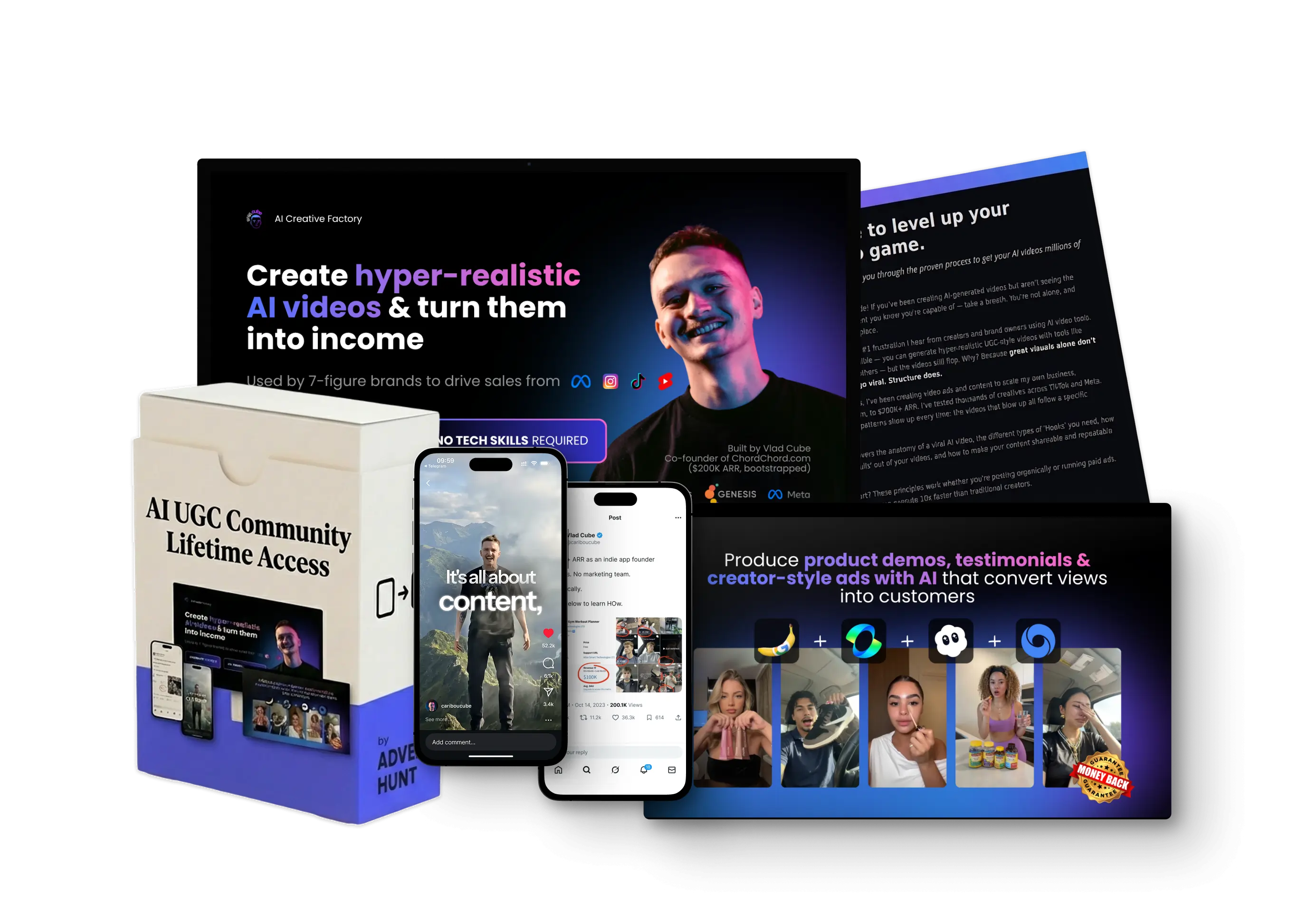
Get the full AI ad creation toolkit — courses, prompt packs, and a community of creators scaling with AI.

  • AI Ads Factory Course
  • 100+ AI Creator Prompt Pack
  • AI Virality Blueprint
  • AI Coding Course
Get Early Access